🐍 SnakeCraft: OOP in Action
What Is This Project About?
This project guides students through building a complete Snake game using Object-Oriented Programming (OOP) and Pygame. Instead of jumping straight into one big file, students build the game in clear sections, each adding one meaningful part of the final program.
By the end of the project, students will have created:
- settings.py for shared game configuration constants.
- utils.py for reusable grid helper functions.
- snake.py for snake state, movement, growth, and collision behavior.
- food.py for safe food spawning and respawning.
- game.py for the game loop, event handling, drawing, and state flow.
- main.py as a clean entry point that launches the game.
- Section test files (s01_test.py to s08_test.py) to validate each build step.
What You’ll Learn (Coding & Python Topics)
Through this project, students will practice and apply:
- Python classes, objects, methods, and properties.
- Encapsulation and clear class responsibilities.
- OOP composition (Game coordinating Snake and Food).
- Constants and shared configuration design.
- Type hints and readable aliases (like coordinate tuples).
- Data structures for gameplay (deque, set, tuples, dictionaries).
- Pure helper functions and reusable utility modules.
- Event-driven programming with Pygame (KEYDOWN, timer events).
- Game loop architecture: handle events -> update -> draw.
- State machines (playing, paused, gameover).
- Collision logic, growth logic, and rule ordering.
- Entry-point patterns: main() and if __name__ == "__main__":.
- Incremental testing and debugging with focused section tests.
Learning Objectives
By completing this project, students should be able to: - Design a multi-file Python project with clear module boundaries. - Build and extend classes that manage their own state and behavior. - Explain how settings, utilities, entities, and the game controller interact. - Implement timer-driven movement separate from render frame rate. - Apply robust input handling and game-state transitions. - Write readable, maintainable game logic in small, testable steps. - Use section-based tests to confirm behavior before moving forward. - Launch and run a complete OOP + Pygame application from a clean entry point.
🧭 How to Navigate This Document
Before we dive into coding your very first Python mystery game, here's how to move around this digital guide:
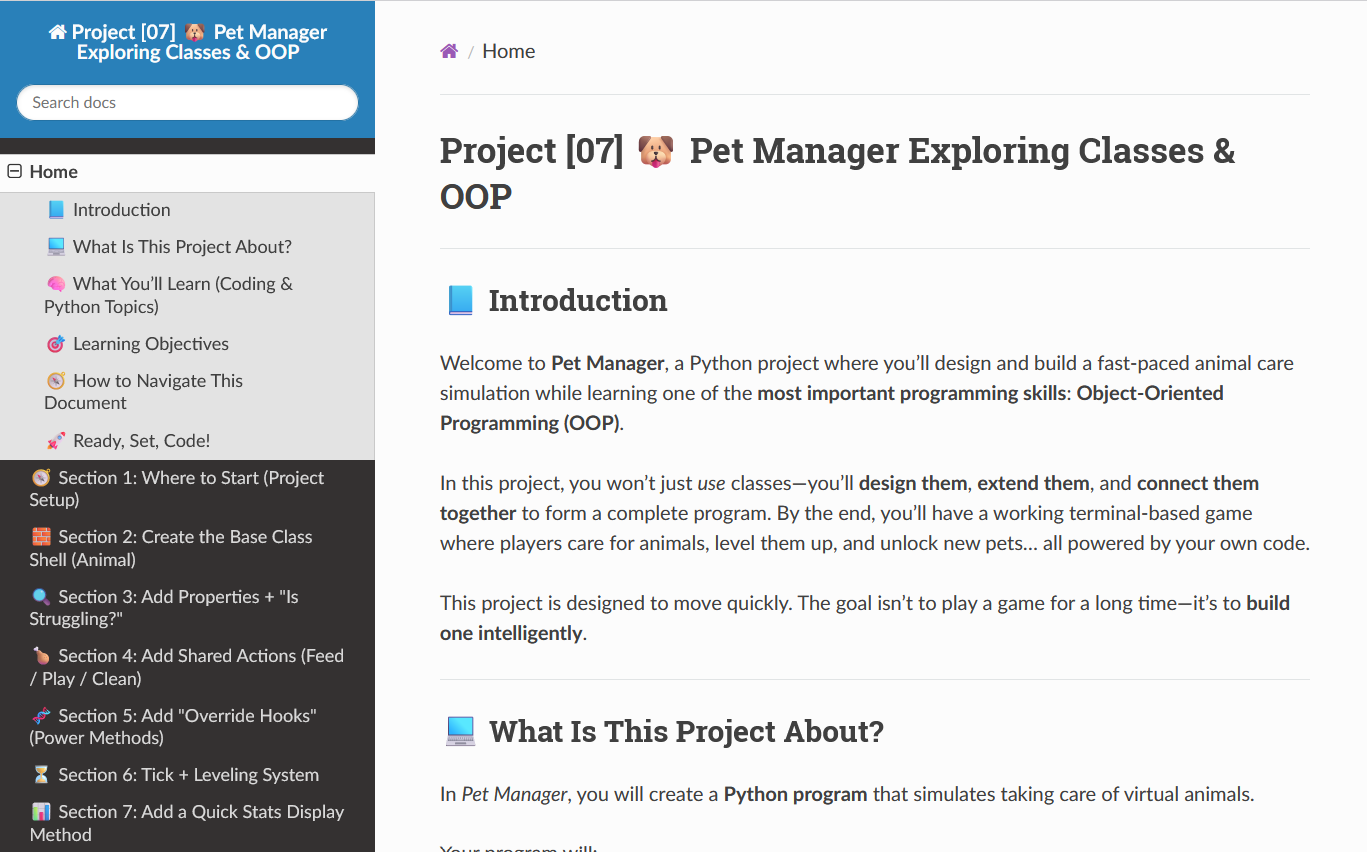
🔽 Use the Section Dropdown at the Top Right
At the top right of this document, there’s a dropdown menu. Click it to quickly jump to any section of the project—from Section 1 all the way to the final run.
🔽 Jump to the Next Section Using the Bottom Menu
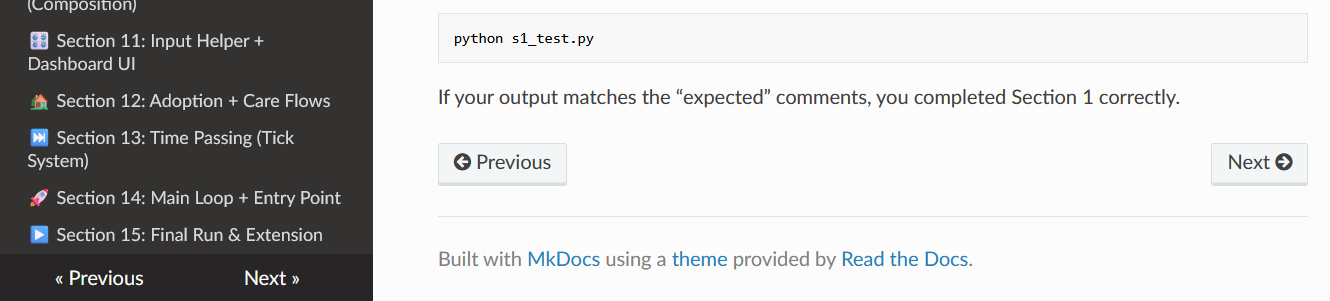
If you scroll all the way to the bottom of the page, then move your mouse down to the very bottom, a small bar will pop up that lets you go to the next section.
🔙 To Go Back, Use the Dropdown Again
There is no back button, so to return to a previous section, you’ll need to click the dropdown menu in the top right again and choose the earlier section.
🛠 Tip: Work One Section at a Time!_
Each section gives you a bit of code and teaches a new idea. Don’t rush! After each section, test your work with the small test file provided.
Ready, Set, Code!
You are about to build a full game like a real developer: one focused section at a time. Follow each section in order, type the code by hand, run the section tests, and watch the project come to life piece by piece.
Let’s build SnakeCraft.